

How to build UI with an AI agent that doesn't look AI-generated
A practical guide for developers: how to use an AI agent so the UI it produces doesn't look generic, from design context to final checks.

Why AI-generated UI looks like AI-generated UI
If you have ever asked an AI to build a page, you know the feeling. White cards with soft shadows. Blue buttons with rounded corners. Three feature columns with icons on top. Everything looks tidy, and everything looks the same.
The problem is not that the AI is dumb. The problem is that it has no design context. It does not know your brand color, the spacing you use, or whether your product prefers sharp corners or rounded ones. So it fills the gap with the industry average. The result is safe, and safe looks generic.
People call this "AI slop": output that is technically correct but has no taste. This guide closes that gap, step by step, without you having to become a designer.
Principle 1: give the agent design context before it writes code
The first step happens before you write a single prompt. Pick a style for the request so every element on the page comes from the same visual language.
With NeedMCP, you name the style in the request itself, prefixed with style:. There is no separate lock step and no session-wide state to manage.
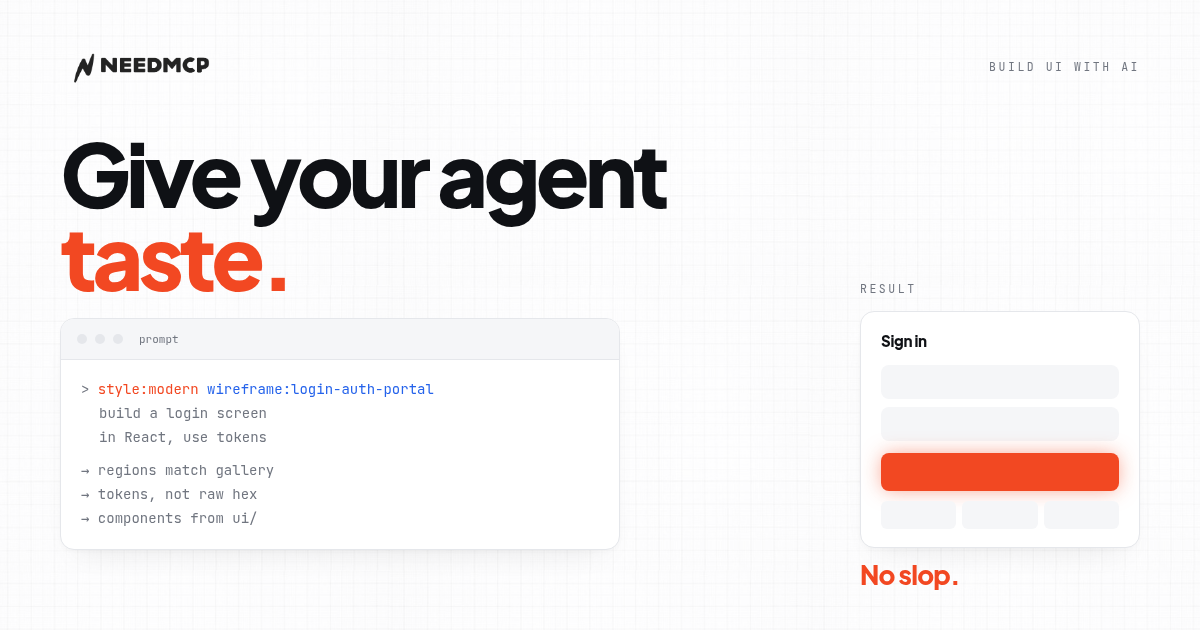
style:modern wireframe:login-auth-portal build a login screen for my app
The style applies to that request. If the next page needs a different look, name a different style in the next request. Two pages can use two styles without one overriding the other.
Without this, the agent is free to pick a style per request. The result: a blue home page, a purple login page, a gray settings page. Nothing is wrong, but nothing connects.
Principle 2: start from structure, not from looks
The most common mistake is asking the AI to "build a nice page." That is a request about taste, and the AI has no taste. What it has is the average.
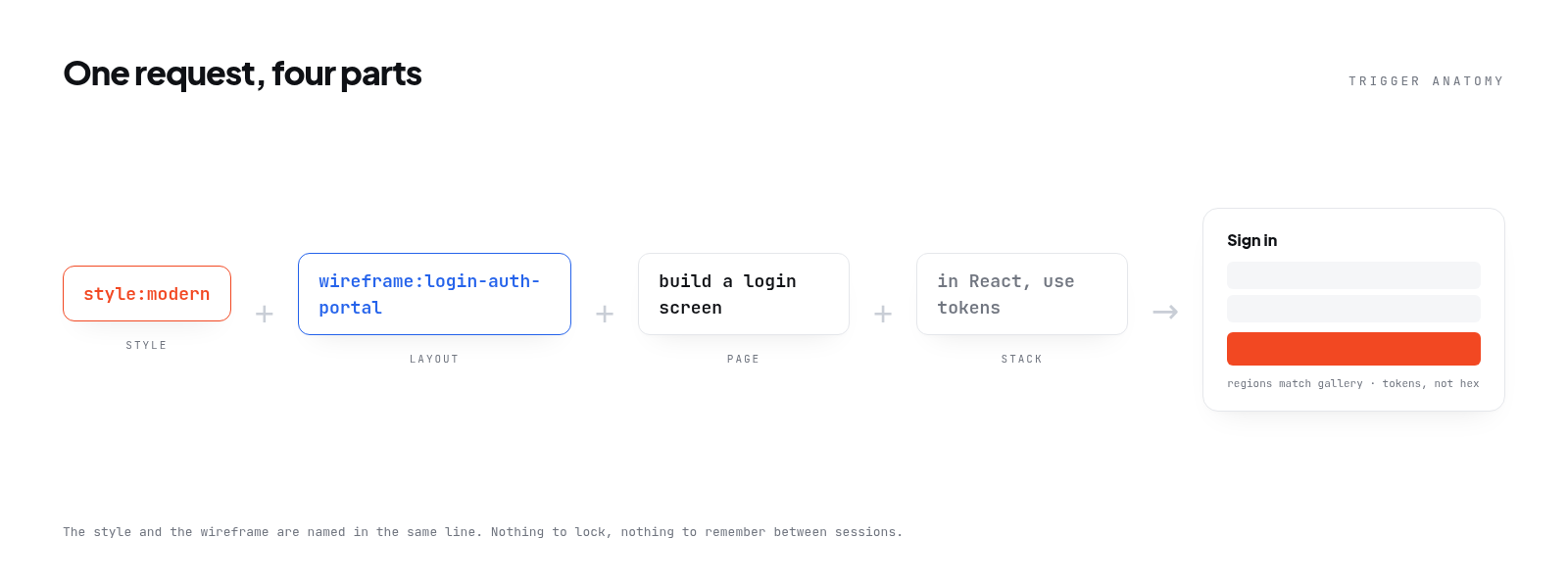
Ask for structure first. NeedMCP provides wireframes: tested page layouts with clear regions and order. You just name the slug.
wireframe:login-auth-portal build a login screen for my app
Three parts, in order:
- The layout, prefixed with
wireframe:, comes from the catalog by slug. - The page is what you ask for in plain words.
- The stack is whatever your repo already uses.
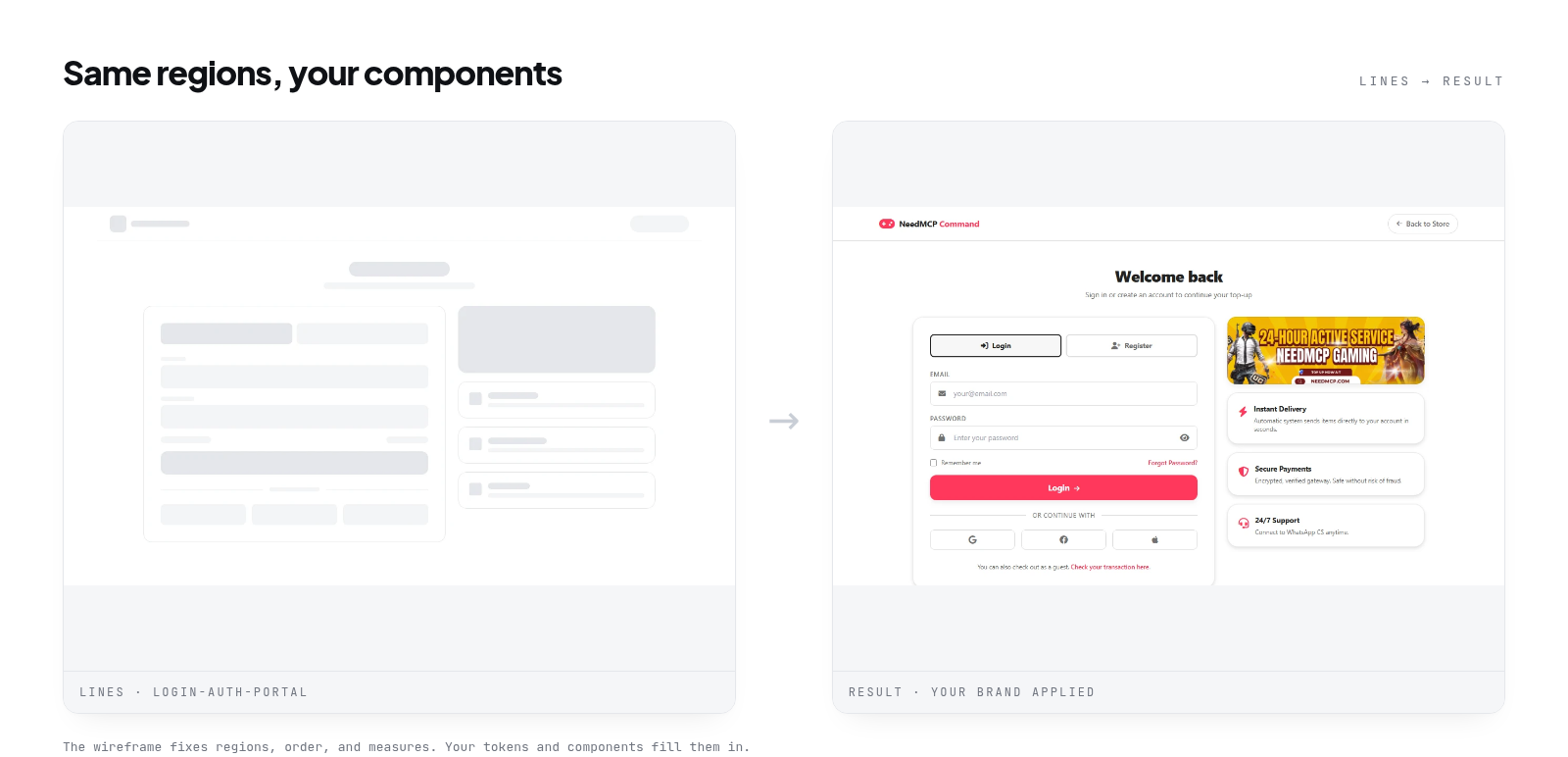
The result keeps the regions and order of the blueprint, but the components are yours. Colors follow your brand, not the catalog.
| If you need | Slug to type | What the layout gives you |
|---|---|---|
| Sign in or sign up | wireframe:login-auth-portal |
Auth screen with a form column and three reassurance cards |
| Analytics home | wireframe:user-dashboard-overview |
Sidebar shell, stat row, and one chart region |
| Team or project board | wireframe:project-kanban-dashboard |
Kanban columns inside the same dashboard shell |
| Pricing page | wireframe:pricing-plans |
Three tier cards with a feature comparison below |
| Order operations | wireframe:dashboard-orders-oversight |
Table-first layout with filters above the list |
| Landing page | wireframe:tipjar-landing-page |
Hero, proof strip, and a single call to action |
Slugs come from the wireframe gallery at needmcp.com/wireframes, which holds 107 desktop layouts and 305 mobile ones.
Principle 3: use tokens, not random colors
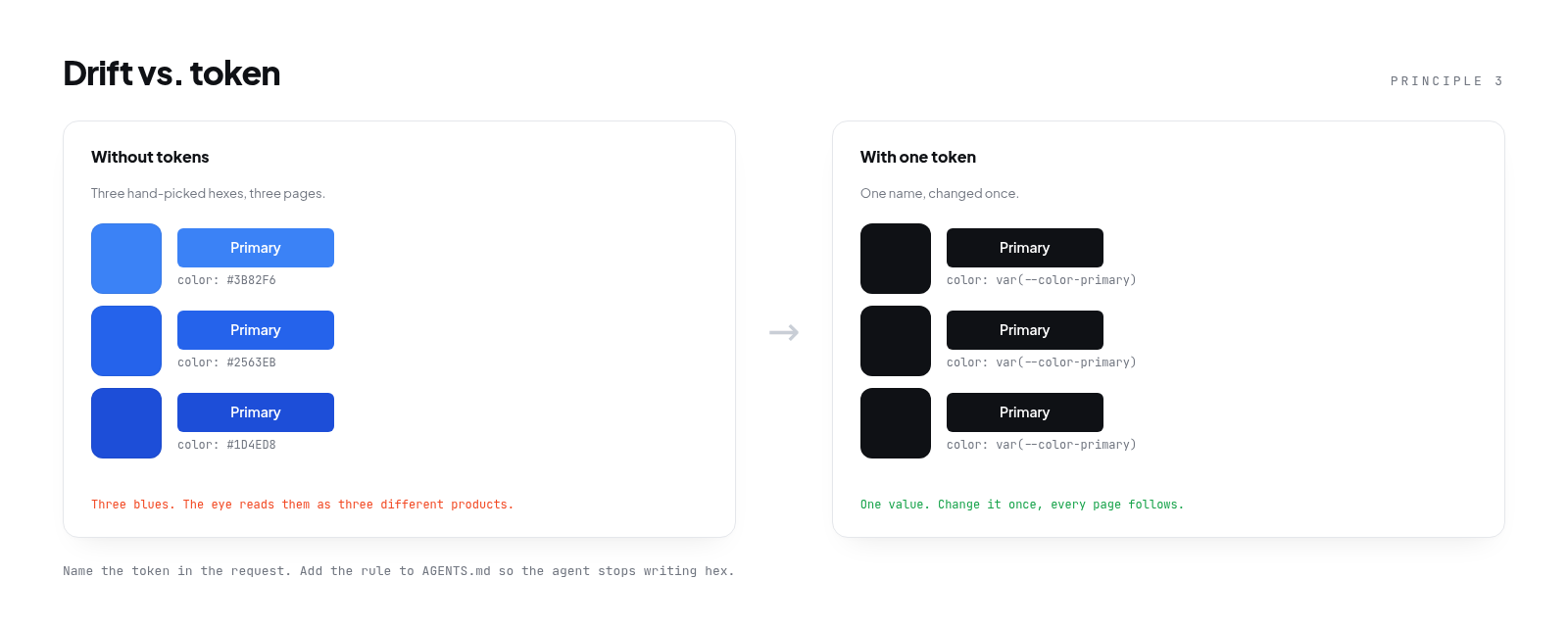
AI loves writing color: #3B82F6 straight into CSS. That is why colors drift slightly between pages: one blue is #3B82F6, another #2563EB, a third #1D4ED8. The human eye reads them as three different blues.
The fix is design tokens. A token is a name, not a number: color: var(--color-primary) instead of color: #3B82F6. Change the value once and every page follows.
If your project has no tokens yet, start small:
- One primary color and one accent (not five).
- A base spacing unit, say 4px, then multiples: 8, 12, 16, 24.
- One radius for cards, one for buttons.
- One font for headings, one for body text.
| Token | Example value | Used for |
|---|---|---|
--color-primary |
#0F1115 |
Primary buttons, links |
--color-accent |
#F24822 |
A single accent per page |
--space-base |
4px |
Base spacing, multiples of 8, 12, 16, 24 |
--radius-card |
8px |
Cards and containers |
--radius-button |
4px |
Buttons and inputs |
Ask the agent to use these tokens in every request. Add that rule to your AGENTS.md (Principle 4).
Principle 4: write the rules in AGENTS.md
The agent forgets your decisions between sessions. You explain the style on Monday, and on Tuesday it asks again. AGENTS.md is the file it reads at the start of every session, so your decisions persist there.
The minimum that is enough:
- The style you use and its slug.
- Your color, spacing, and radius tokens.
- The components you use, for example "primary button always uses the Button component from components/".
- Things that are not allowed, for example "no new colors outside the tokens."
The file does not need to be long. Ten clear rules beat a hundred lines of explanation. The shorter it is, the more often it gets read in full.
Principle 5: verify before you call it done
A page that looks good is not proof that it came from a blueprint. Four checks, one minute:
- Regions match. The blocks and their order match the gallery preview.
- Ask the agent. "Which wireframe did you use, and which regions did you keep?"
- Read the log. There was a call to the wireframe tool, or there was no blueprint at all.
- Resize once. The structure holds. New regions mean it was improvised.
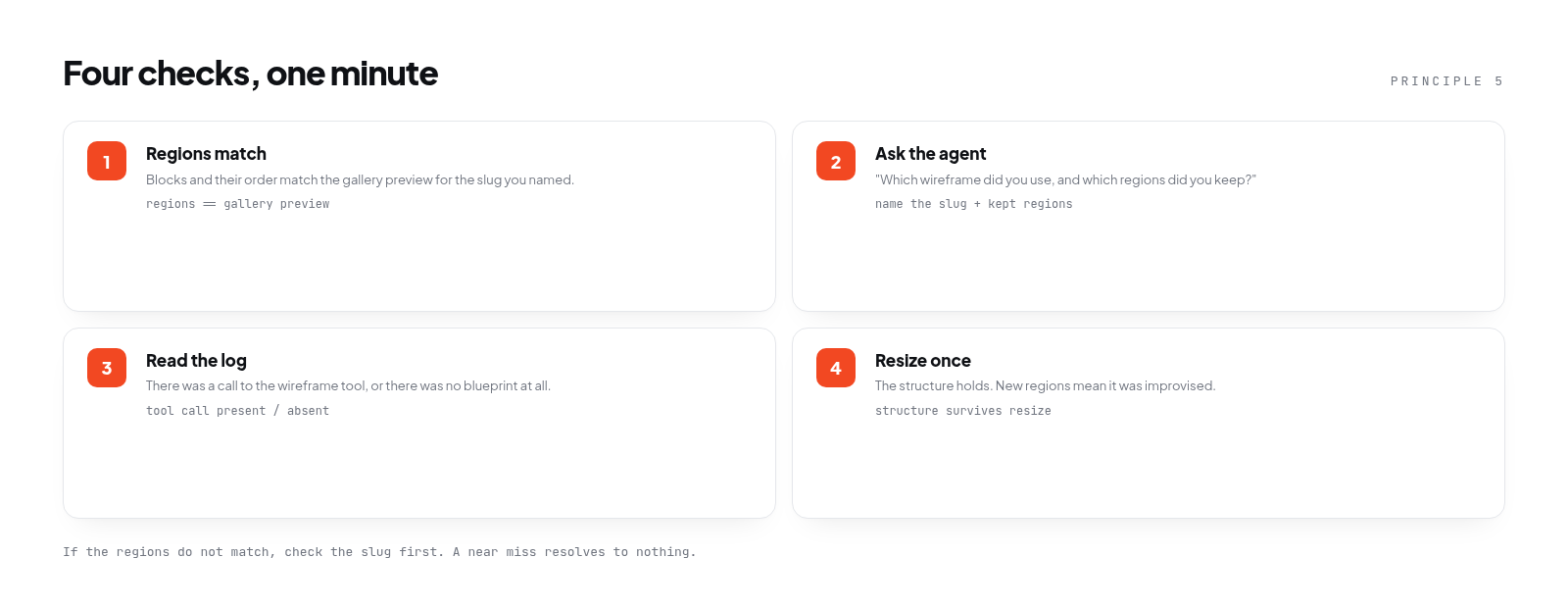
If the regions do not match, check the slug first. A near miss resolves to nothing, and the agent writes from memory.
Quick workflow
| Step | What you do | Time |
|---|---|---|
| 1 | Name style:{slug} in the request |
5 seconds |
| 2 | Name a wireframe slug in the request | 5 seconds |
| 3 | The agent builds the page in your stack | 1 to 3 minutes |
| 4 | Check regions, ask the agent, read the log, resize | 1 minute |
One full cycle takes about five minutes, including verification.
Common mistakes
Four mistakes that show up most often, and how to avoid them:
- Asking for "a nice page." Too vague. The agent fills the gap with the average. Replace with "build page X with layout Y, using tokens Z."
- Forgetting to name the style. Pages stop feeling like one product. Name
style:{slug}in every request that needs a look. - Treating the first result as final. The agent drafts; it does not ship. Always run the four verification checks.
- Hard-coding colors in CSS. Collect them into tokens so one change reaches every page.
Components, not pages
Pages are the output. Components are what you maintain. If your buttons are consistent, any page the agent builds will feel like one product.
Start with the components that appear most often:
- Primary and secondary buttons.
- Cards with title, body, and action.
- Form inputs with label and error message.
- Page headers with title and actions.
- Empty states when there is no data.
Ask the agent to reuse components from components/ or ui/ instead of creating new ones. Add that rule to AGENTS.md: "Use components from components/ before creating new ones."
If the agent creates a new component when an old one already exists, your AGENTS.md is not clear enough. Fix the rule, not the output.
When not to use a wireframe
Not every page needs a wireframe. Three cases where it gets in the way:
- A page that is one component. A settings page with a single form. The layout is obvious; what matters is component consistency.
- An experimental page. If you are trying a new idea, a wireframe constrains you. Build first, tidy later.
- A very small surface. Modals, tooltips, dropdowns. The structure is standard; what matters is visual detail.
In those three cases, focus on components and tokens. A wireframe only helps when the page structure is still open.
Trade-offs and limits
A wireframe gives a layout that works, not the layout that is right for your product. It does not transplant code. Your components win when they conflict. The lines asset is not a design: it fixes regions, order, and measures, then stops.
So a wireframe is a starting point, not an endpoint. You still adjust copy, add empty states, and handle edge cases. What it removes is the decision "which structure do I use," which usually takes the longest.
Before you publish
Check these before you consider a page done:
- A
style:{slug}is named in the request. - A wireframe slug is named when the page needs structure.
- All colors and spacing use tokens, not raw numbers.
- Components come from the existing folder.
- AGENTS.md contains the rules in use.
- The four verification checks pass.
- The page survives one resize with its structure intact.
If every box is checked, your page will not look AI-generated. It will look like your product.
Do this next
Name a style and a wireframe slug in one request, then compare the result with the lines asset from the same layout. If the regions match, you have a workflow. If they do not, check the slug first.
For the full trigger walkthrough, read How to use NeedMCP wireframes in your AI Agent.
To set up NeedMCP in Claude Code, see Setup NeedMCP in Claude Code in 2 minutes.
To browse the wireframes, visit needmcp.com/wireframes.
Keep reading
More from Guides
Setup NeedMCP in Claude Code in 2 minutes
One command, one browser sign-in, one style lock. The whole path from sign-in to a first page that uses NeedMCP, over OAuth 2.1.
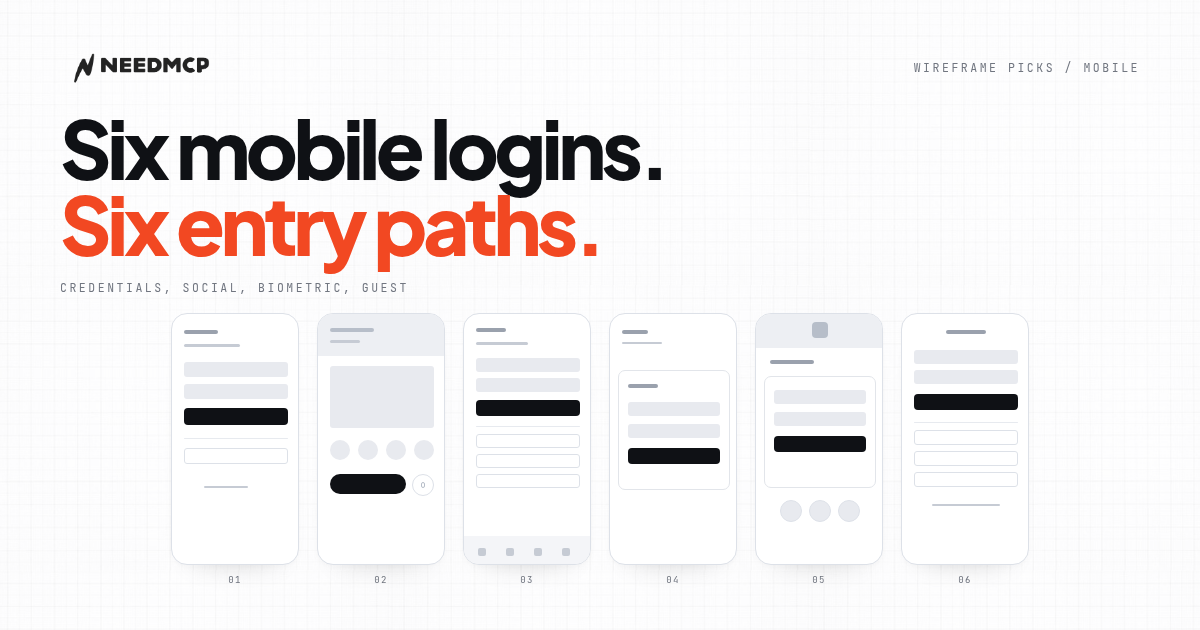
6 Mobile Login Screens That Don't Look AI-Generated
On mobile the login decision is not the card. It is how many entry paths share one screen. Six free layouts, compared by what each one offers and what it leaves out.
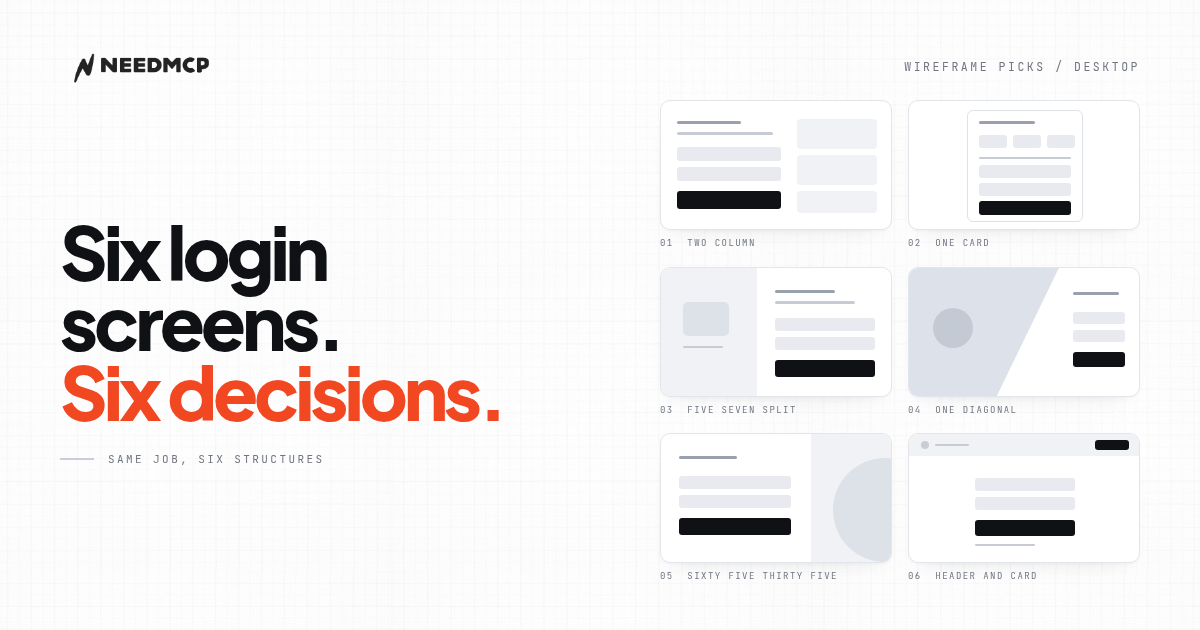
6 Desktop Login Wireframes That Don't Look AI-Generated
Six free desktop login wireframes from the NeedMCP catalog, with previews, the one design decision each gets right, and how to tell which one your product should start from.
Ship UI that does not look AI-generated
Pull design tokens, wireframes, and modular sections straight into your project over MCP. No screenshot-to-guessing, no generic Tailwind defaults.