

Setup NeedMCP in Claude Code in 2 minutes
One command, one browser sign-in, one style lock. The whole path from sign-in to a first page that uses NeedMCP, over OAuth 2.1.

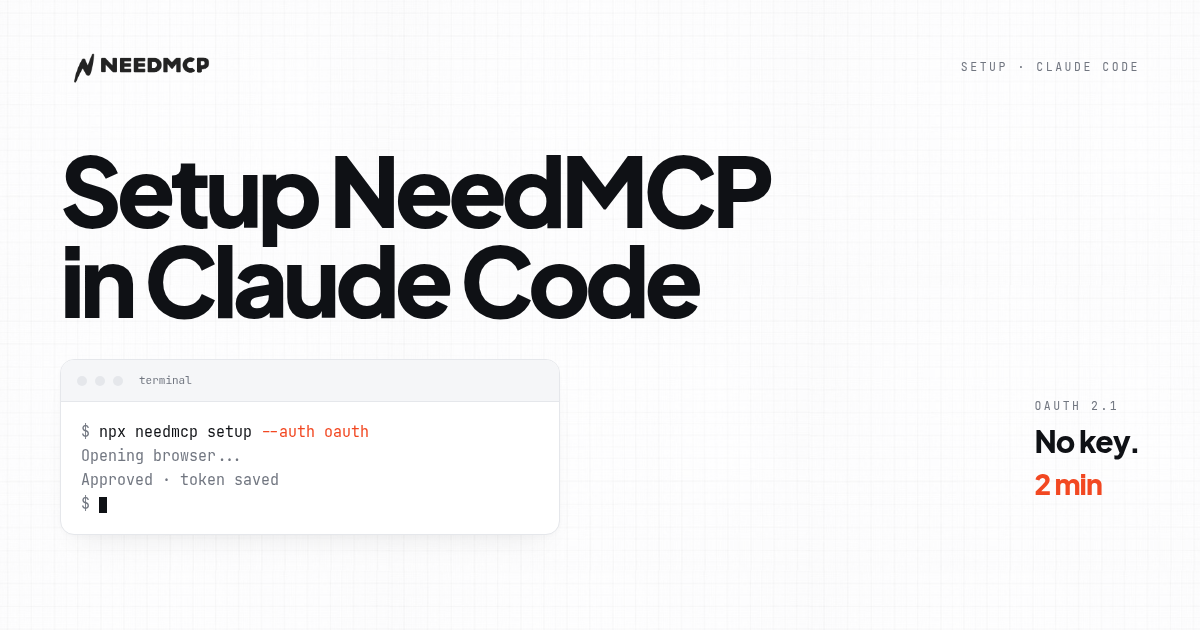
What you get in two minutes
Two minutes buys you three things. A connection between Claude Code and the NeedMCP catalog, secured with OAuth 2.1. A style you trigger on demand with style:{slug}. And a first page that comes from a real wireframe instead of a guess.
No API key to copy, paste, or rotate. No style to lock for the whole session. Sign in once in the browser, and the client keeps the token.
Step 1: sign in with OAuth
NeedMCP now uses OAuth 2.1 with PKCE. That means no secret is ever typed into a terminal or stored in a config file by hand. The client opens your browser, you approve once, and the token is stored for you.
Run the CLI:
npx needmcp setup --auth oauth
What happens, in order:
- The CLI asks which client you use. Pick Claude Code.
- It asks for the scope. Pick user scope so it follows you into every project.
- It opens your browser to the NeedMCP sign-in page.
- You sign in and approve access for the
mcp:usescope. - The CLI writes the config and saves the token. No key is ever shown.
If the browser does not open, the CLI prints a URL. Paste it into any browser, sign in, and the CLI picks up the result.
You only do this once per machine. The token refreshes itself.
Step 2: connect Claude Code by hand (optional)
If you prefer to add the server yourself, point Claude Code at the server URL with no header. Claude Code discovers the OAuth endpoints on its own and runs the same browser flow on first use.
claude mcp add --transport http --scope user needmcp https://needmcp.com/mcp
Either way, the result is the same: a server named needmcp that authenticates over OAuth 2.1.
If Claude Code is already running, restart it so it reads the new server.
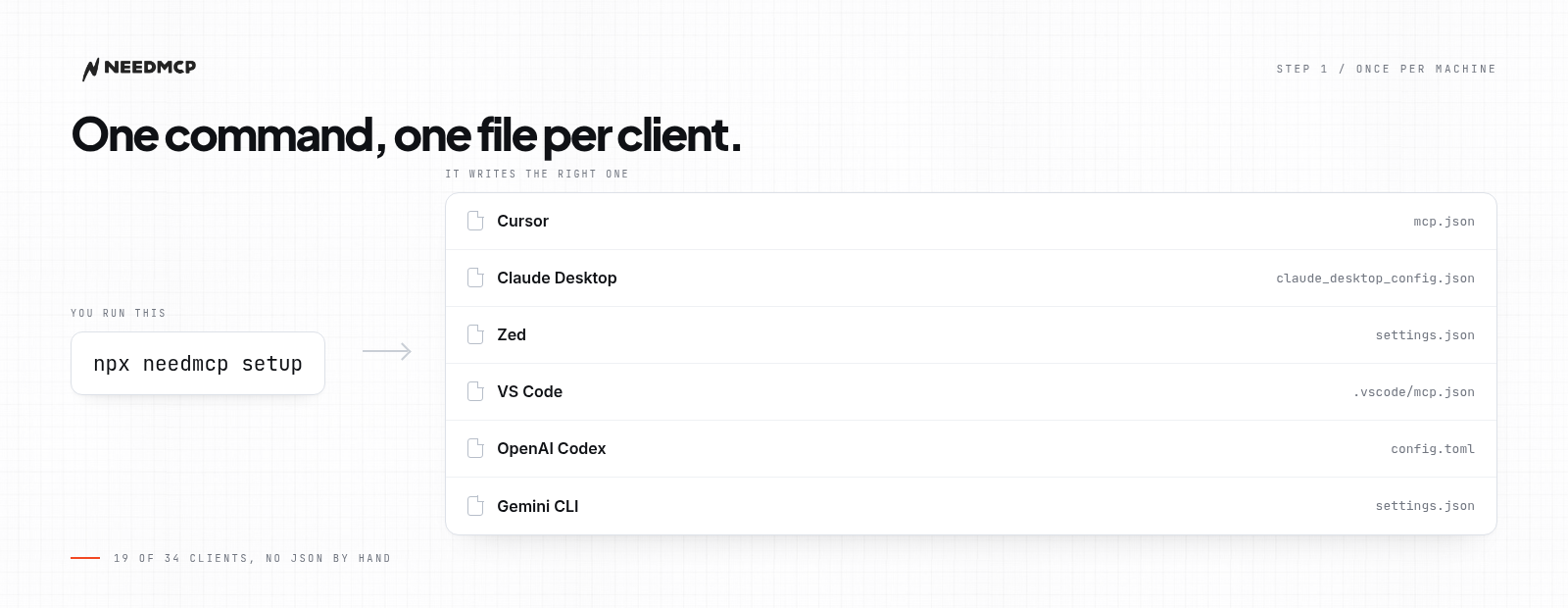
One command, and the config file for your client is already written.
Step 3: ask for a page
Now ask for a page in plain words, and name a style and a layout in the same line:
style:modern wireframe:login-auth-portal build a login screen for my app
Three parts, in order:
- The style, prefixed with
style:, sets the look for this request. - The layout, prefixed with
wireframe:, comes from the catalog by slug. - The page is what you ask for in plain words, and the stack is whatever your repo already uses.
There is no separate lock step. You name the style each time, so different pages can use different styles without one overriding the other.
Claude Code pulls the blueprint, then builds the page in your stack. The result keeps the regions and order of the wireframe, but the components are yours.
Slugs come from the wireframe gallery at needmcp.com/wireframes, which holds 107 desktop layouts and 305 mobile ones.
| If you need | Slug to type | What the layout gives you |
|---|---|---|
| Sign in or sign up | wireframe:login-auth-portal |
Auth screen with a form column and three reassurance cards |
| Analytics home | wireframe:user-dashboard-overview |
Sidebar shell, stat row, and one chart region |
| Pricing page | wireframe:pricing-plans |
Three tier cards with a feature comparison below |
| Landing page | wireframe:tipjar-landing-page |
Hero, proof strip, and a single call to action |
When it does not connect
Five usual causes, in the order to check them:
- OAuth consent not completed. The browser flow was closed before approval. Run
npx needmcp setup --auth oauthagain. - The slug is close, not exact. A near miss resolves to nothing, and the model writes from memory.
- Claude Code has not reloaded. Config is read at startup. Restart the client after adding the server.
- A call is waiting on you. Most clients ask before running a tool. Approve it.
- The token expired and did not refresh. Re-run
npx needmcp setup --auth oauth; it reuses your existing session.
None of these are about wireframes. Fix the connection first, then test with a simple request.
Do this next
Lock a style, then trigger one page and put the result next to the lines asset from the same layout. If the regions match, you have a workflow. If they do not, check the slug first.
For the full trigger walkthrough, read How to use NeedMCP wireframes in your AI Agent.
Keep reading
More from Guides
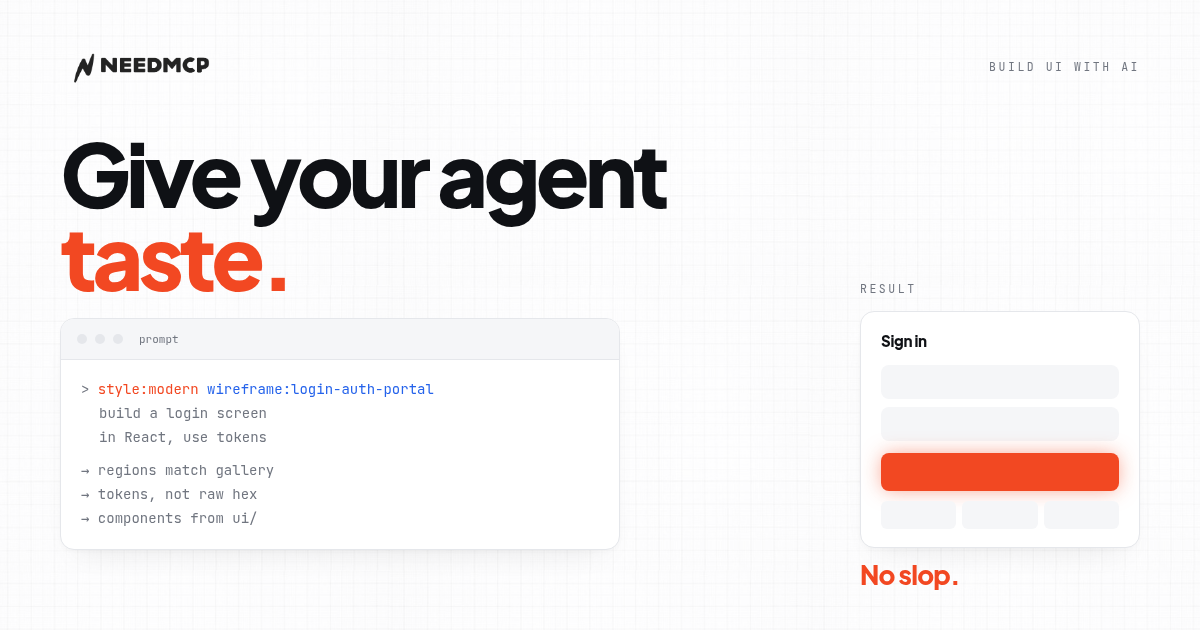
How to build UI with an AI agent that doesn't look AI-generated
A practical guide for developers: how to use an AI agent so the UI it produces doesn't look generic, from design context to final checks.
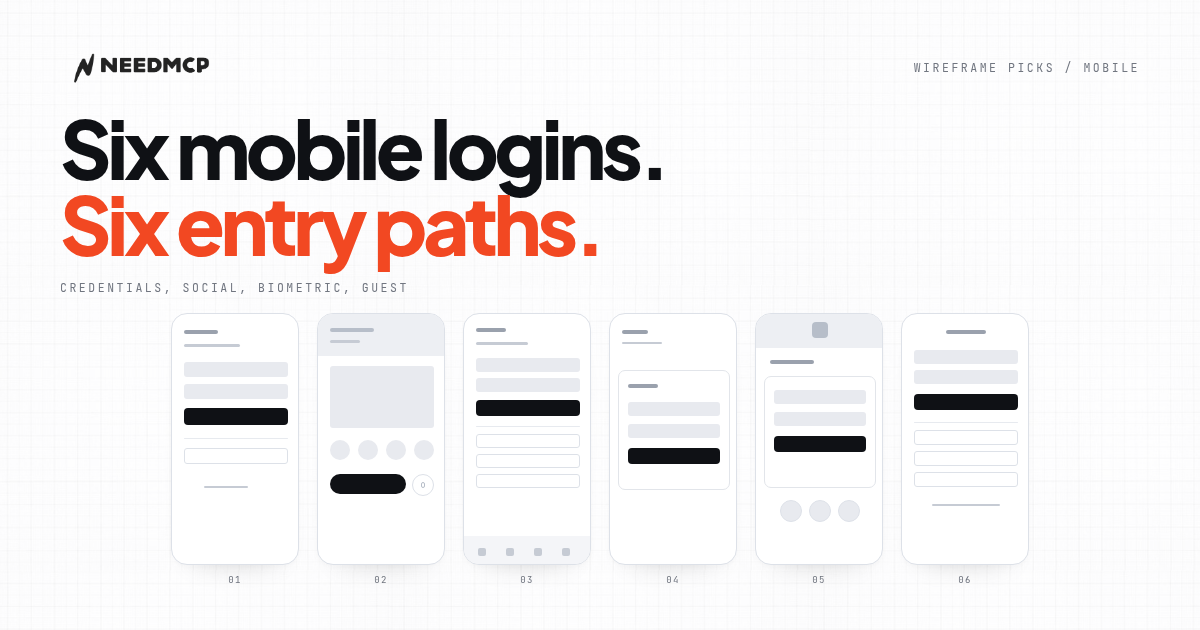
6 Mobile Login Screens That Don't Look AI-Generated
On mobile the login decision is not the card. It is how many entry paths share one screen. Six free layouts, compared by what each one offers and what it leaves out.
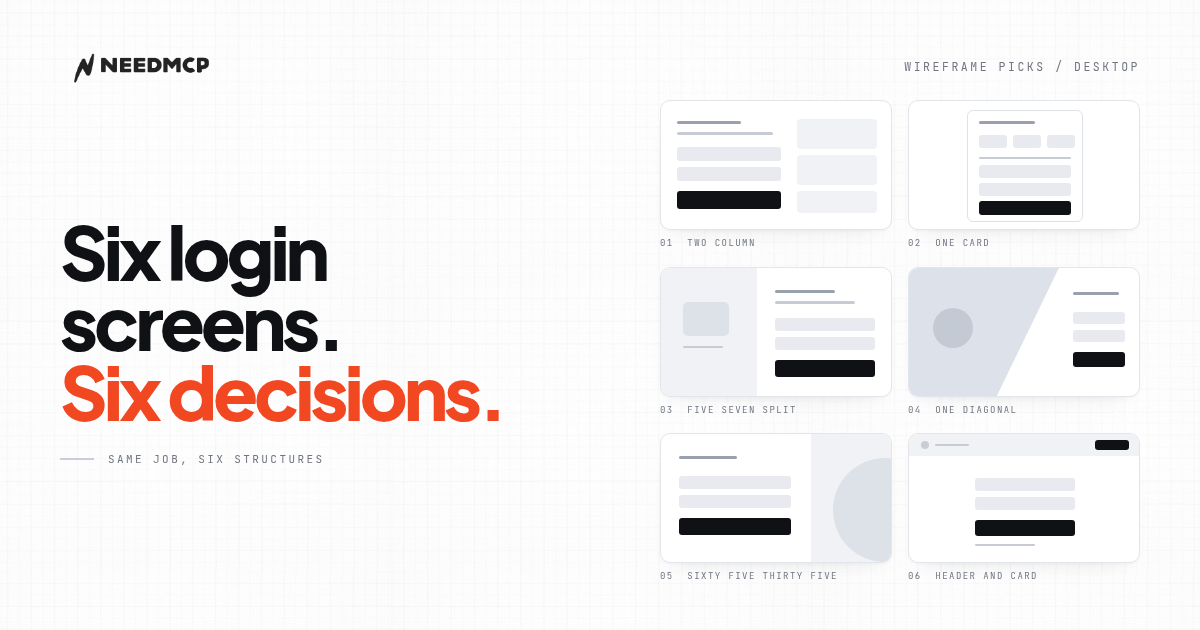
6 Desktop Login Wireframes That Don't Look AI-Generated
Six free desktop login wireframes from the NeedMCP catalog, with previews, the one design decision each gets right, and how to tell which one your product should start from.
Ship UI that does not look AI-generated
Pull design tokens, wireframes, and modular sections straight into your project over MCP. No screenshot-to-guessing, no generic Tailwind defaults.